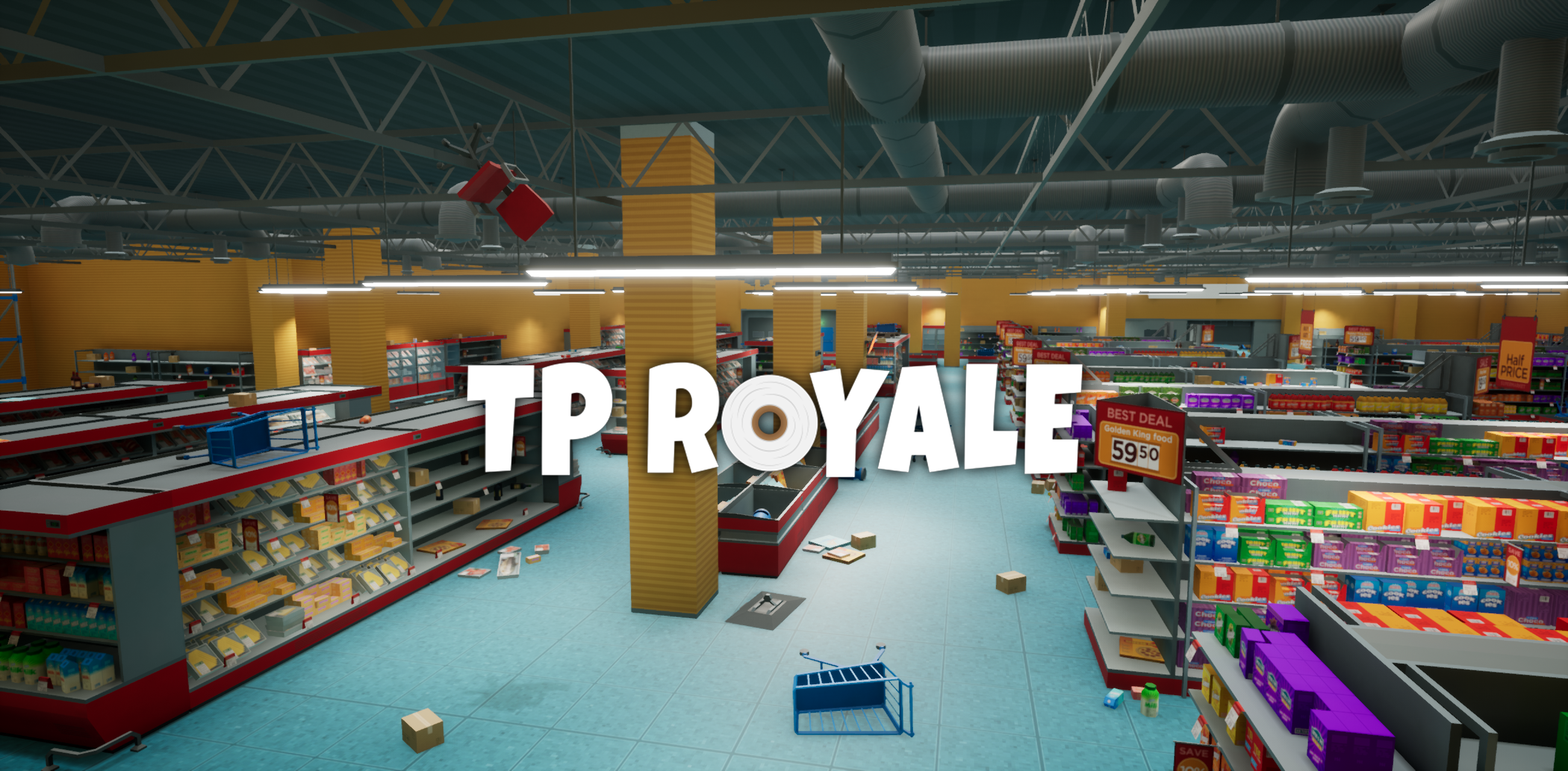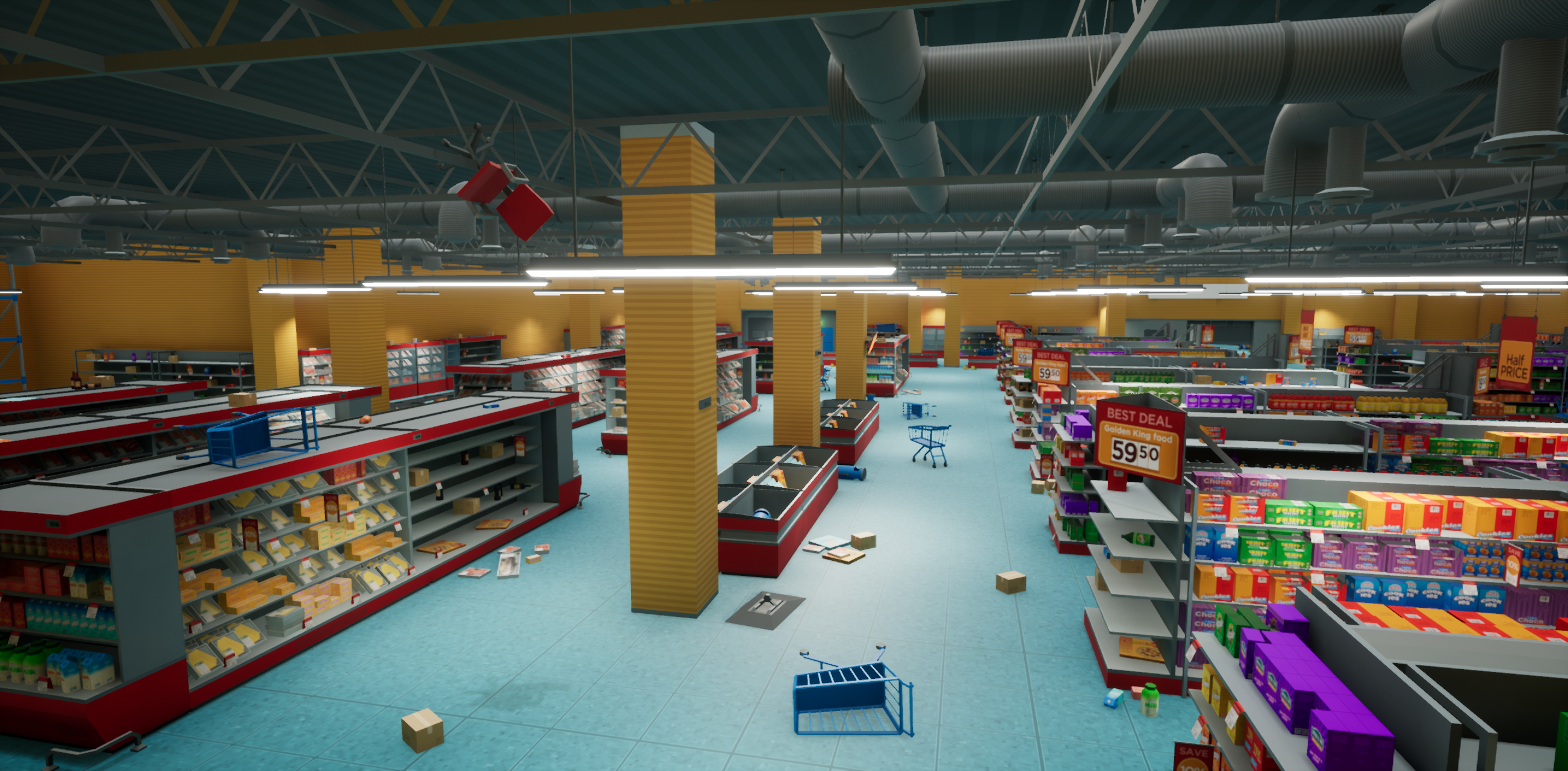
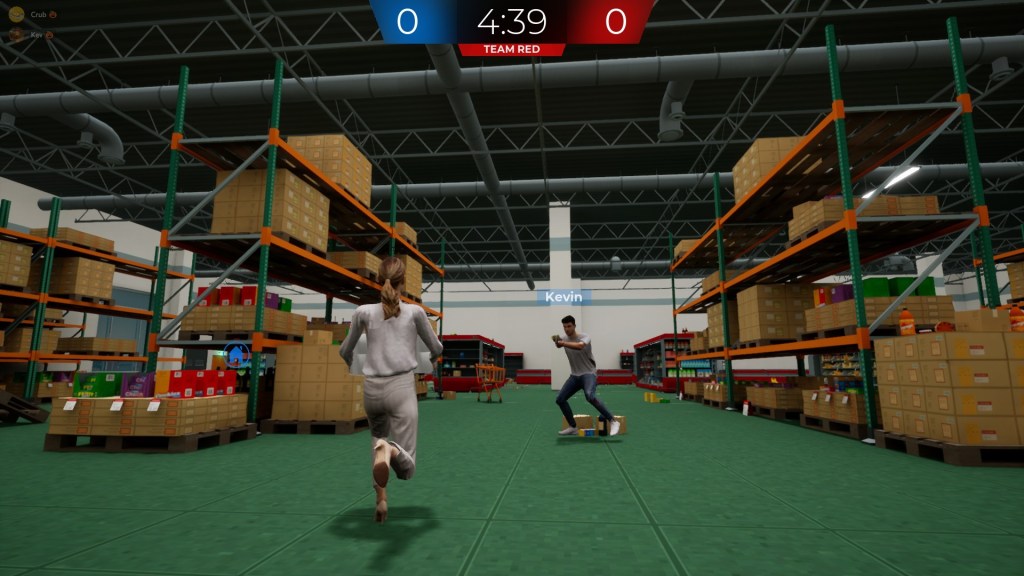
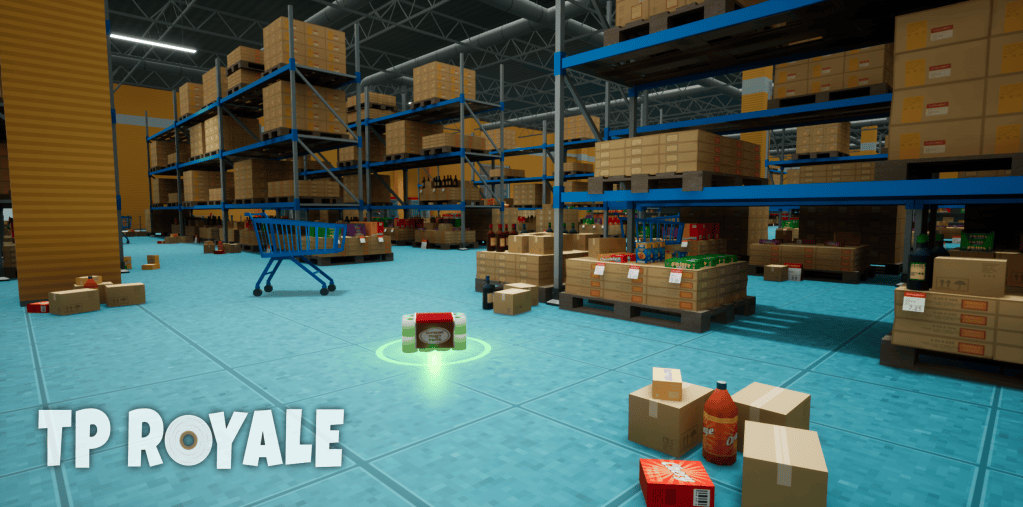
A fast-paced lighthearted third-person action game where players compete against AI or other players, battling to collect and control that sweet TP.
- Date. Nov 2019 – Jun 2020 (Early Access) | Oct 2020 (1.0)
- Role. Lead Level Designer, Game Designer, Audio Designer, Writer
- Team-size. 2
- Purpose. Personal Project
- Tools: Unreal Engine 4, Photoshop, Audacity, Sony Vegas
Highlights
- My First Steam Game
- Learned more about the Unreal Engine workflow
- Learned more about “Multiplayer” Map layout
A buddy of mine pitched a short, lighthearted game about collecting toilet paper. The concept was funny, but also a great opportunity to deepen my experience with Unreal Engine—so I jumped right in.
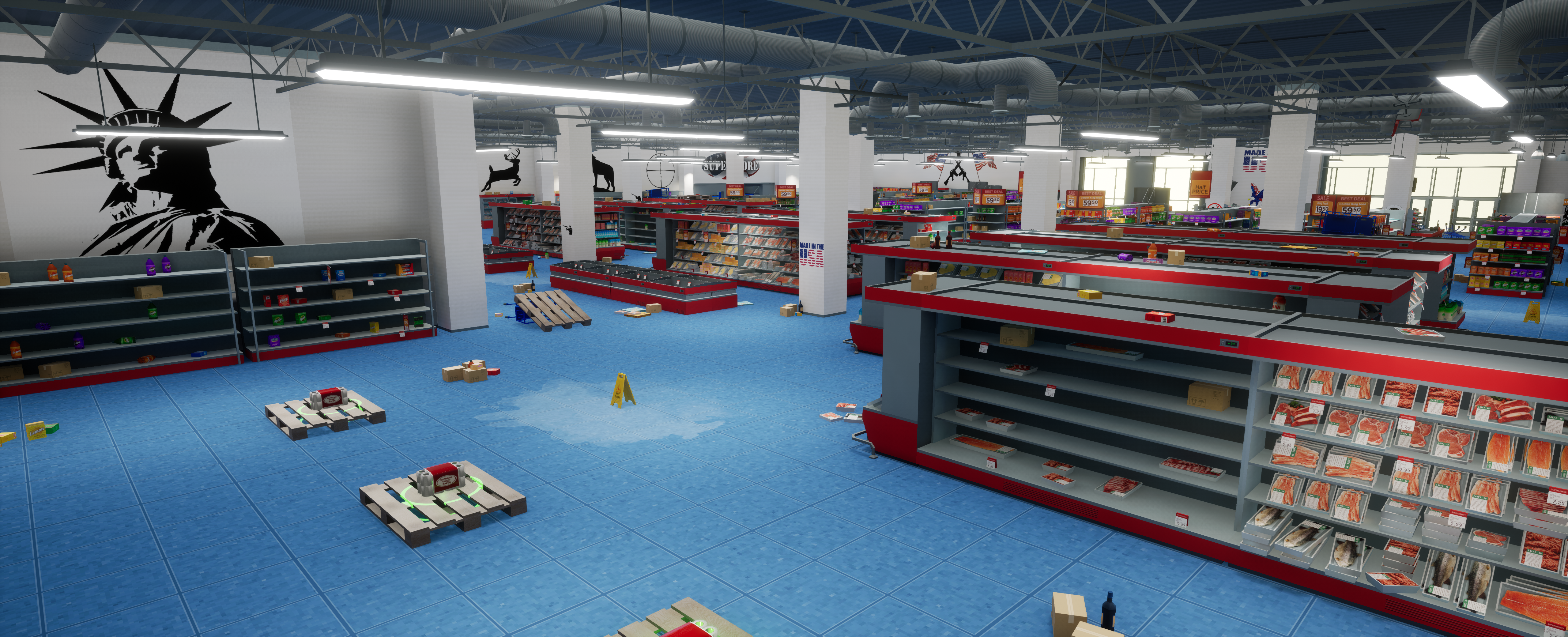
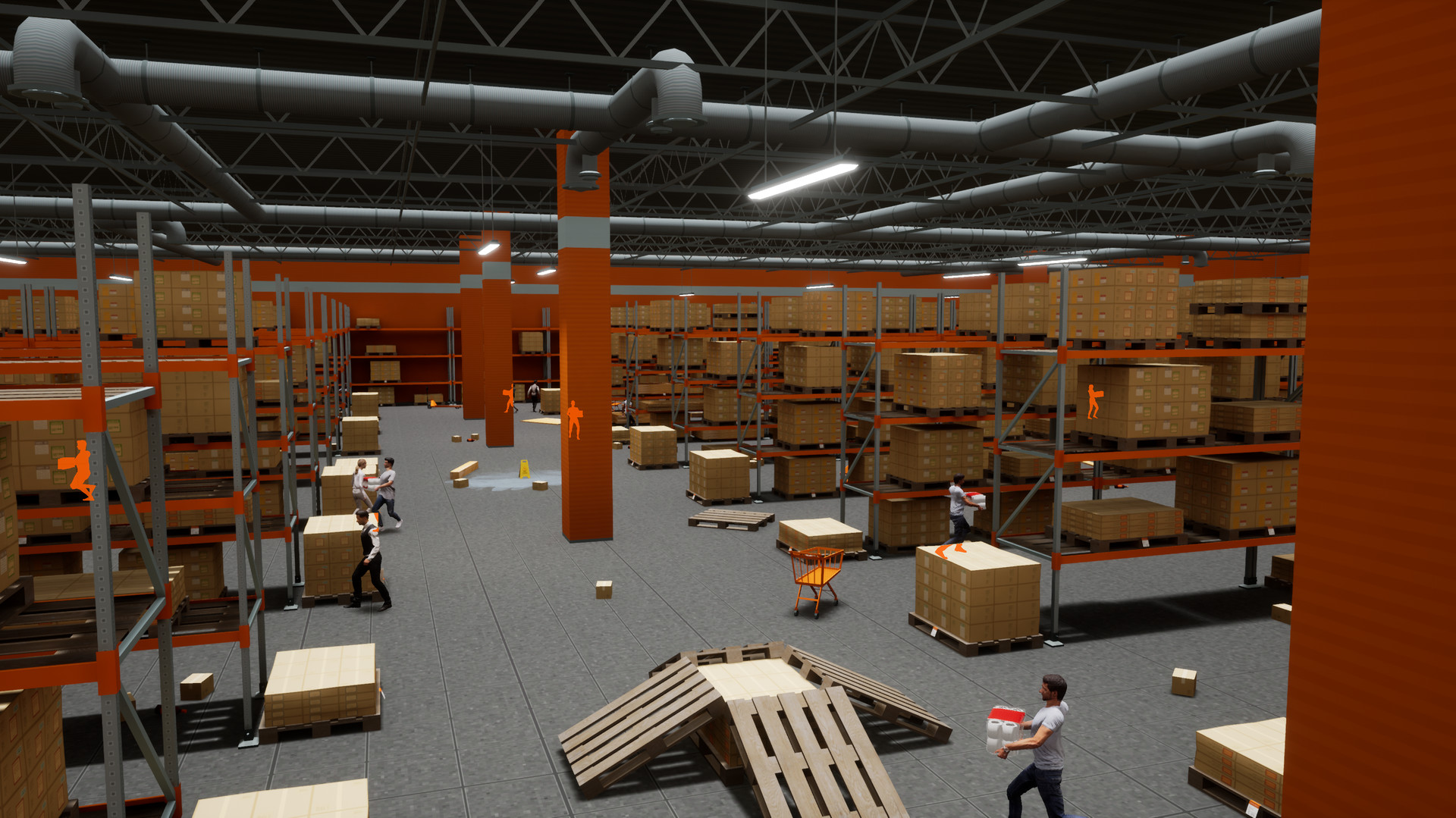
As the sole Level Designer, I drove the game’s fast-paced gameplay through intentional map design, shaping player flow and moment-to-moment engagement. I wanted it to feel like a mixture of a believable supermarket while also making it feel like your local playground.
Starting The Project
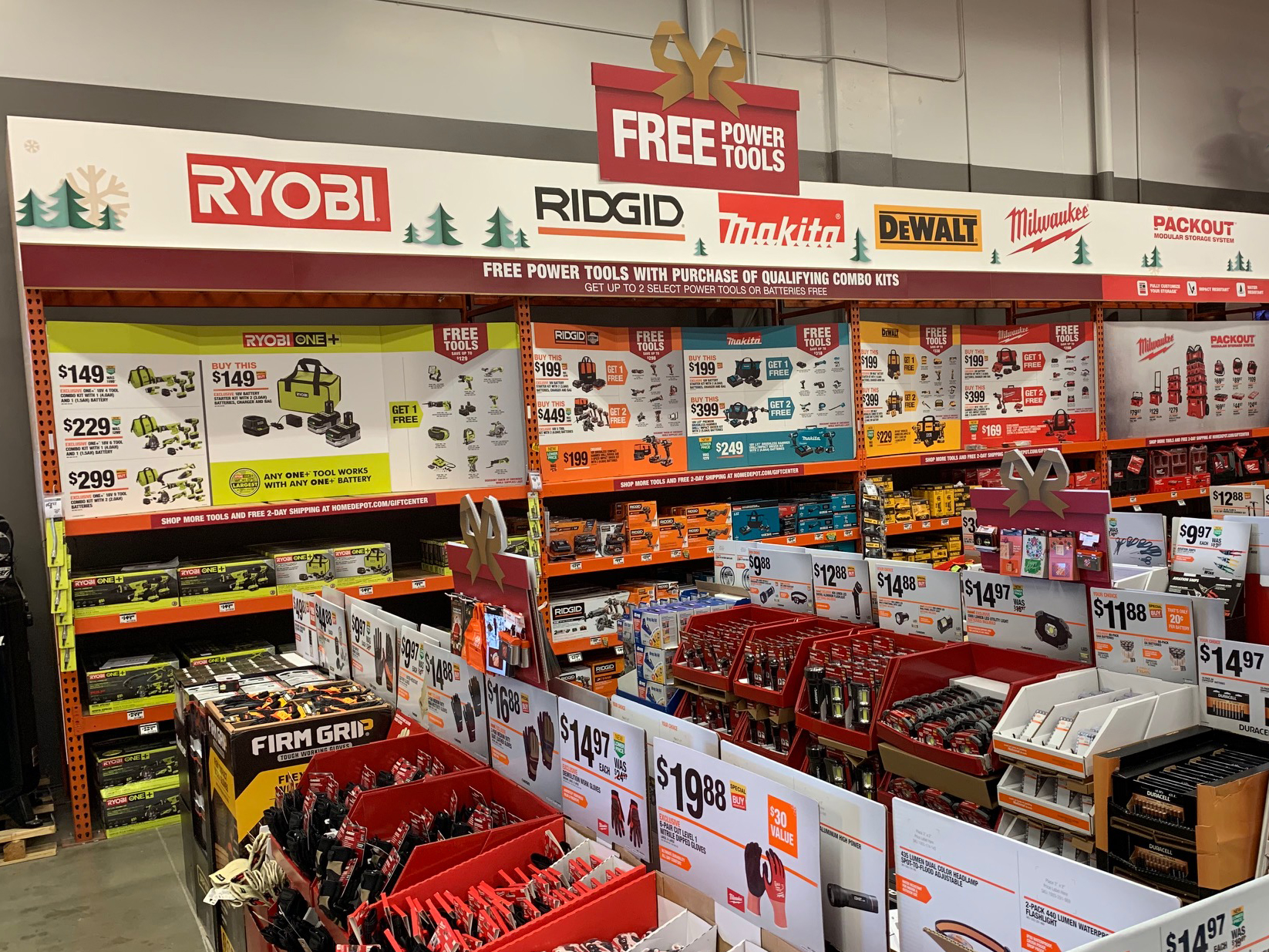
I start every project by building a strong visual and thematic foundation—studying environments, moods, and references that match the experience I want to create. For this project, my time working in large retail stores like Home Depot and Lowe’s gave me a real advantage, helping me design spaces that felt natural and believable compared to more abstract environments like alien worlds or creepy cabins.
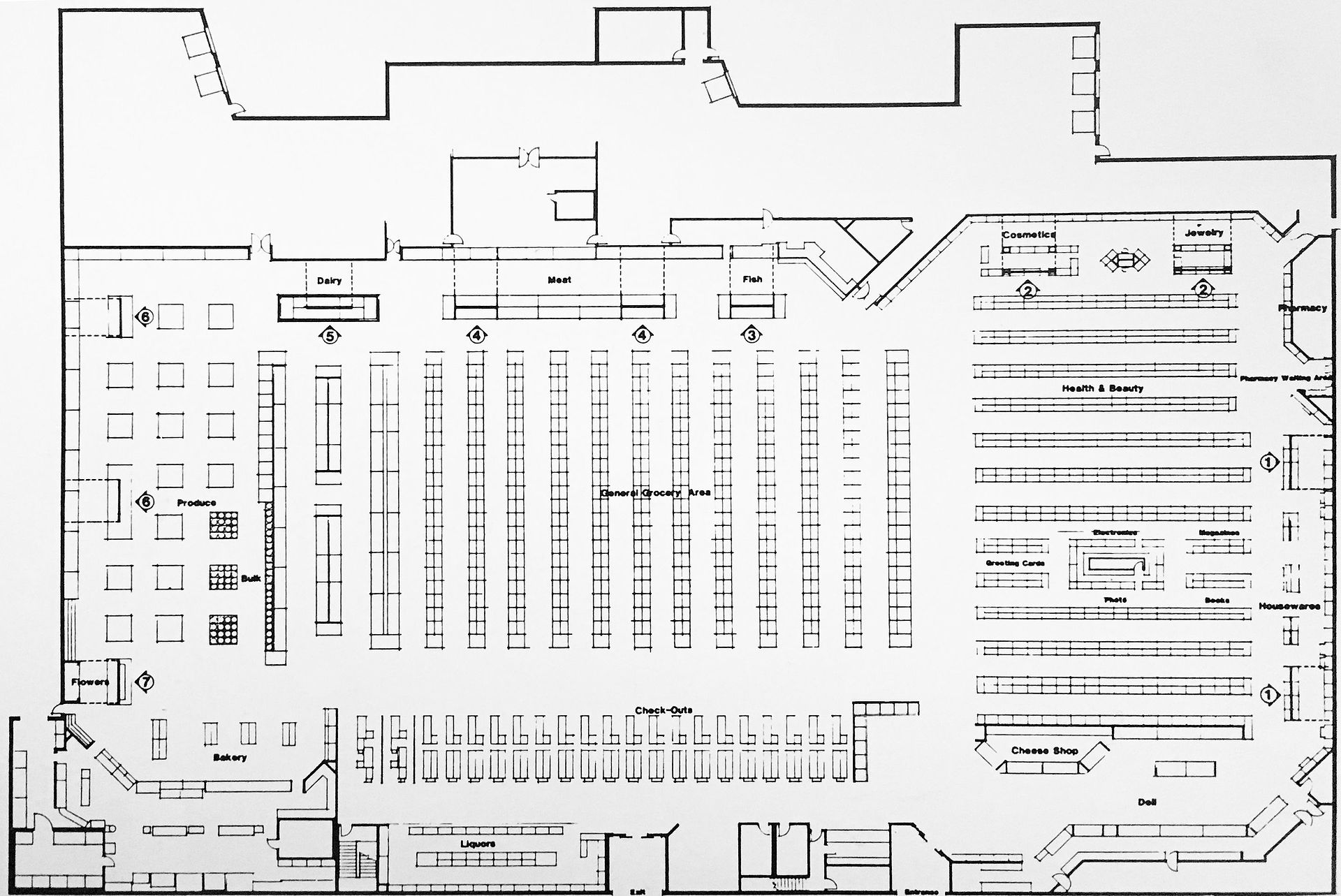
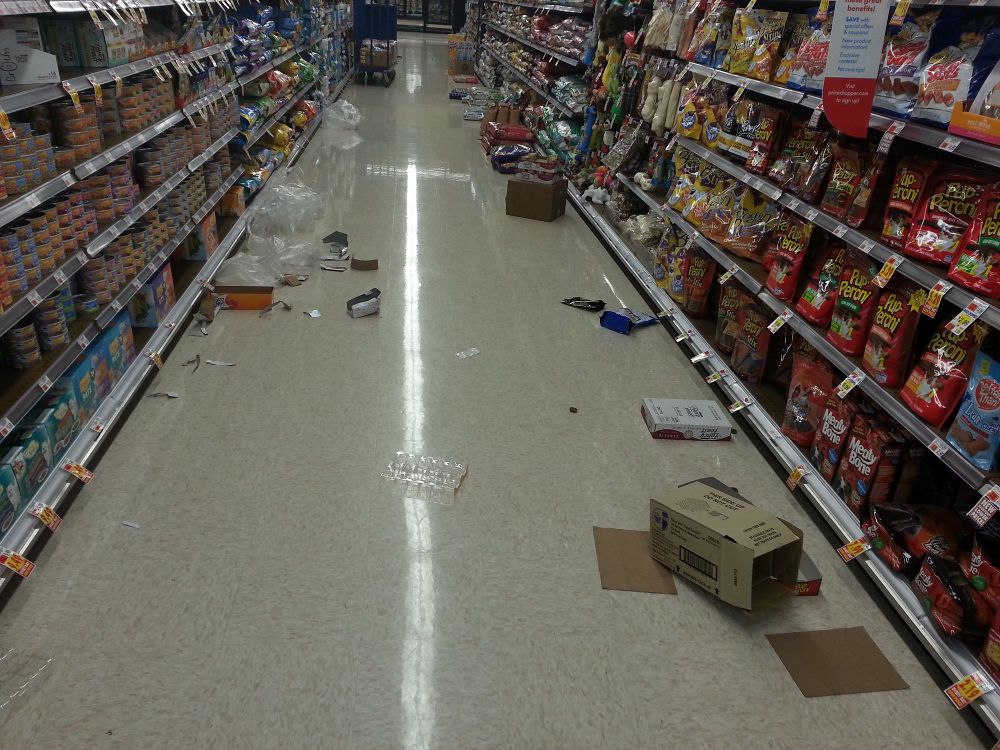
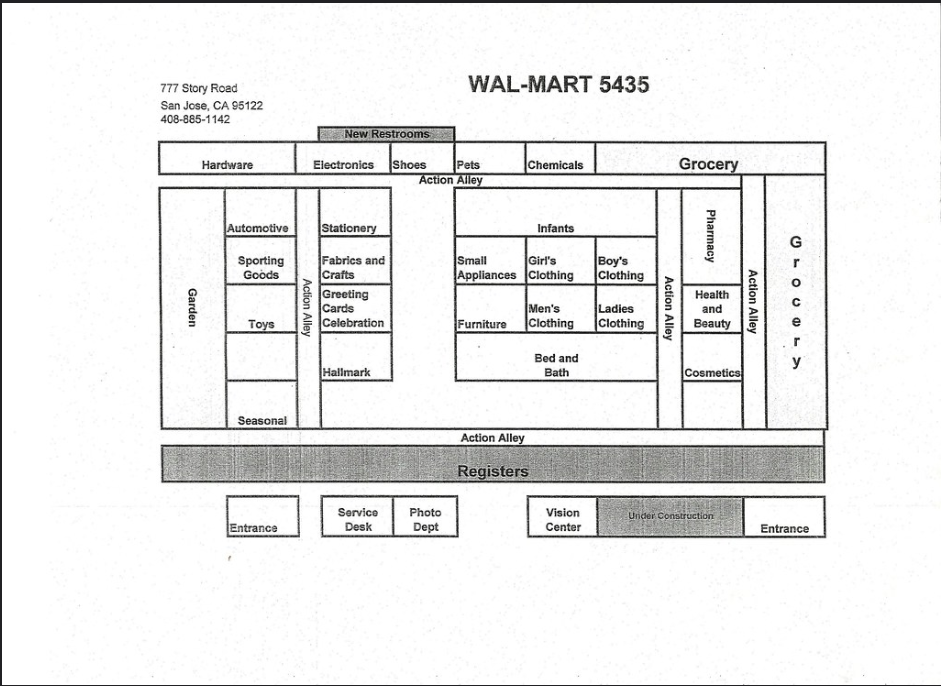
As a kid, I spent a lot of time in supermarkets, and those memories helped shape layouts that feel both natural and a bit chaotic. I also referenced real-world store layouts to better visualize the space before translating it into my initial paper maps.
This phase ensures that all design decisions are grounded in a cohesive vision before production begins.
Real-world Experience — Working in large retail environments like Home Depot and Lowe’s helped inform and guide the overall layout and flow of the map.
Real-world Layouts — Referencing familiar American store layouts grounded the environment and subtly guided player navigation (e.g., registers at the front, clearly defined aisles like dairy or produce).
Playground — Aimed to capture the chaotic energy of a playground / gym, encouraging players to run, jump, climb, and interact with the environment in dynamic ways.
Basic Loop:
The core goal was to capture the chaotic, goofy nature of “fighting over products,” so we focused on establishing the gameplay loop early in development. Through iteration, we refined the experience while intentionally keeping the design simple to maintain scope and ensure a polished result.
The core gameplay loop was simple: collect TP and return it to your safe pile. Early on, I identified the need for additional mechanics to make the environment feel more hazardous and engaging, which led me to propose:
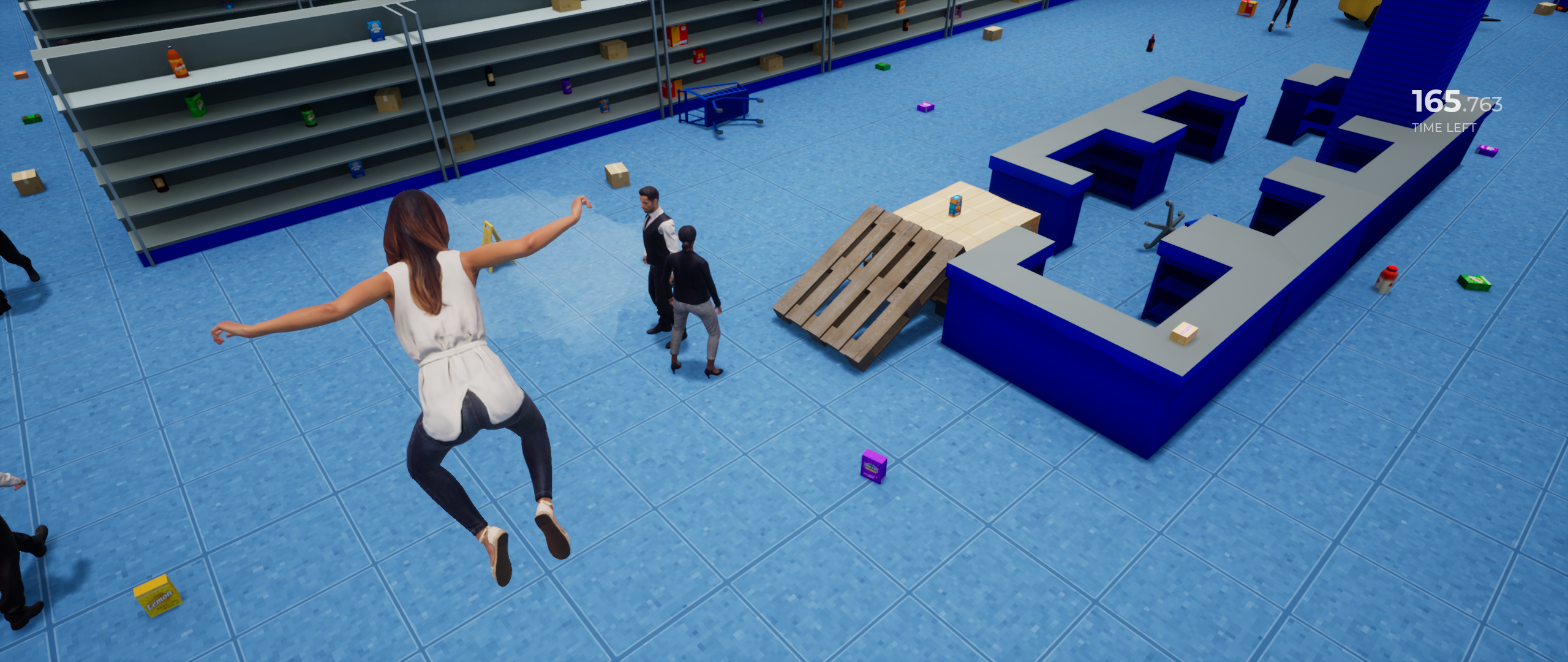
Environmental Hazards — Spills were introduced as a simple, comedic hazard. Contact would cause players to slip, temporarily lose control, and drop any TP they were carrying, adding risk to movement and resource management.
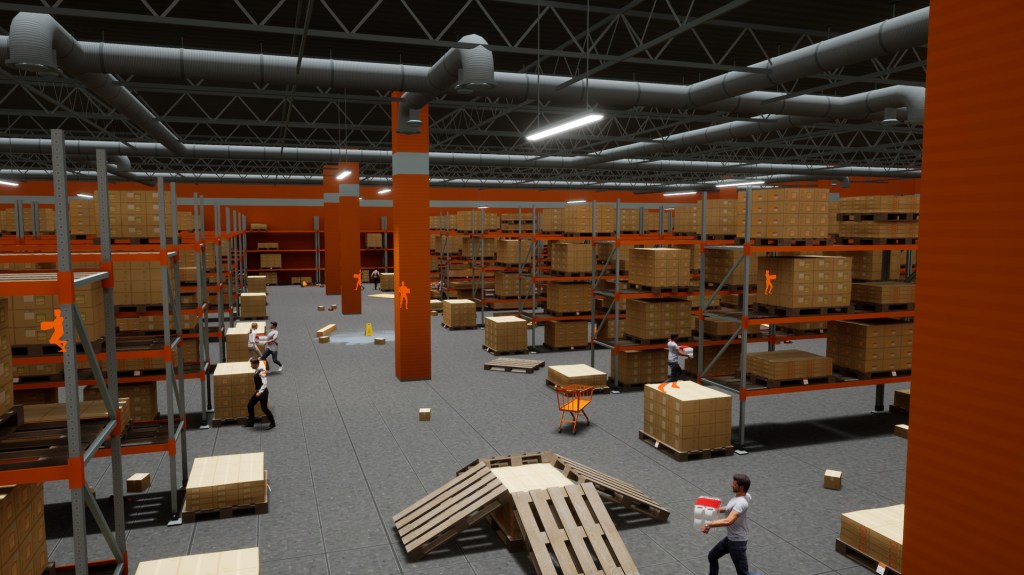
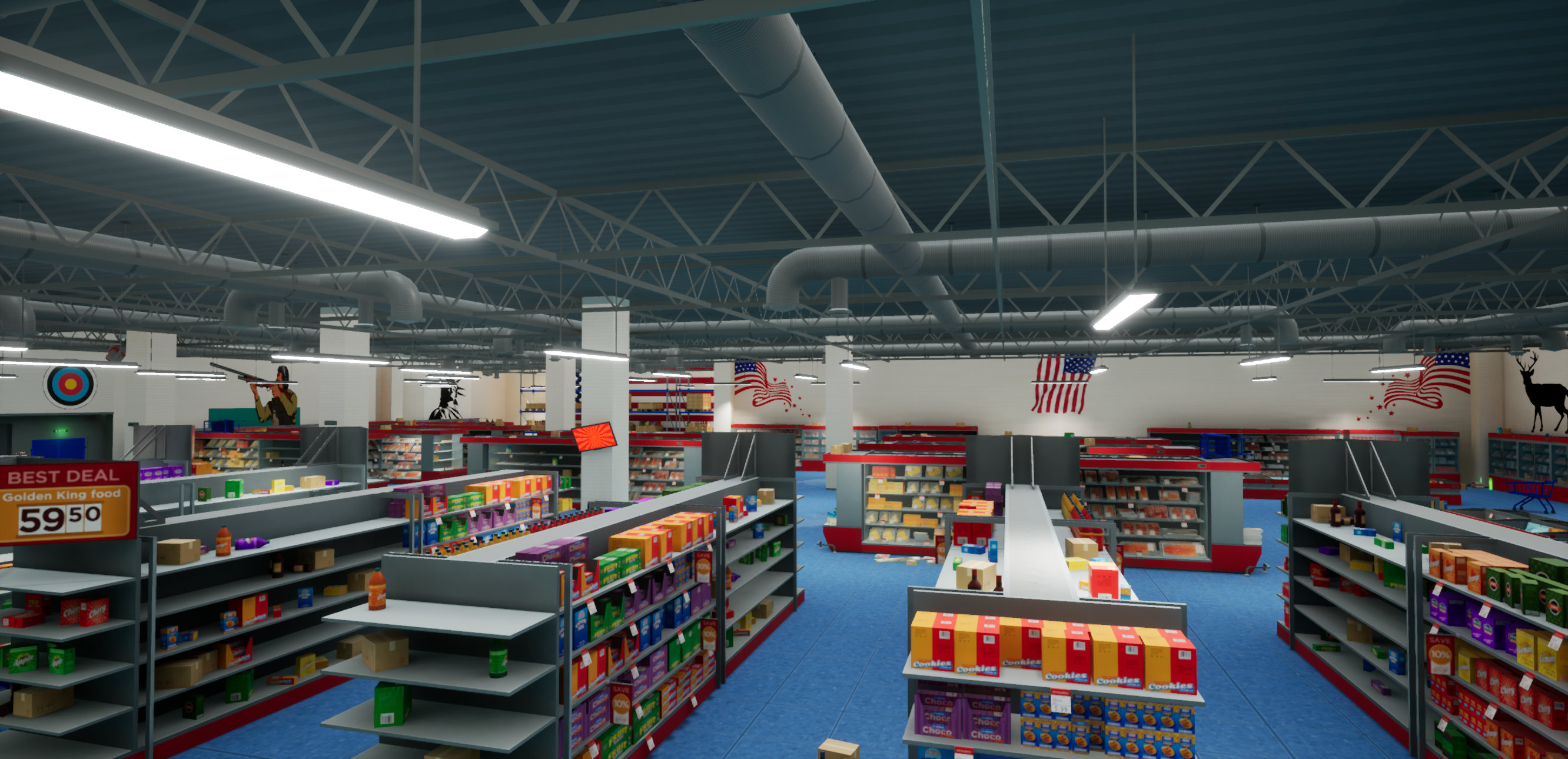
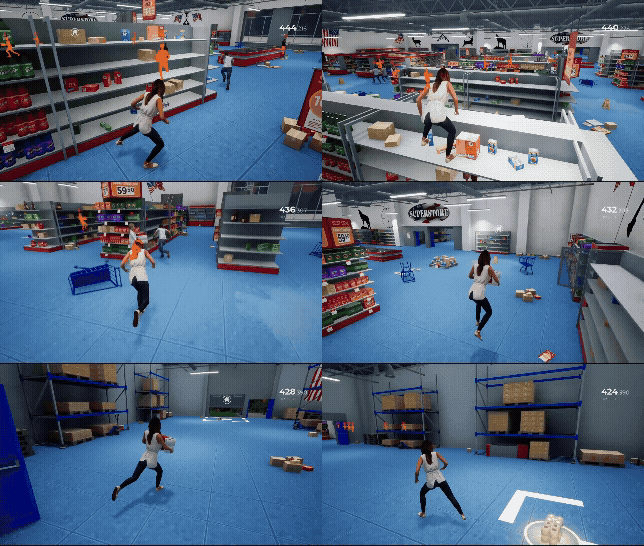
Environmental Verticality — I incorporated elevated routes, such as the tops of shelves, to provide multiple traversal options. This created more dynamic movement, increased player choice, and opened up opportunities for strategy and evasion.
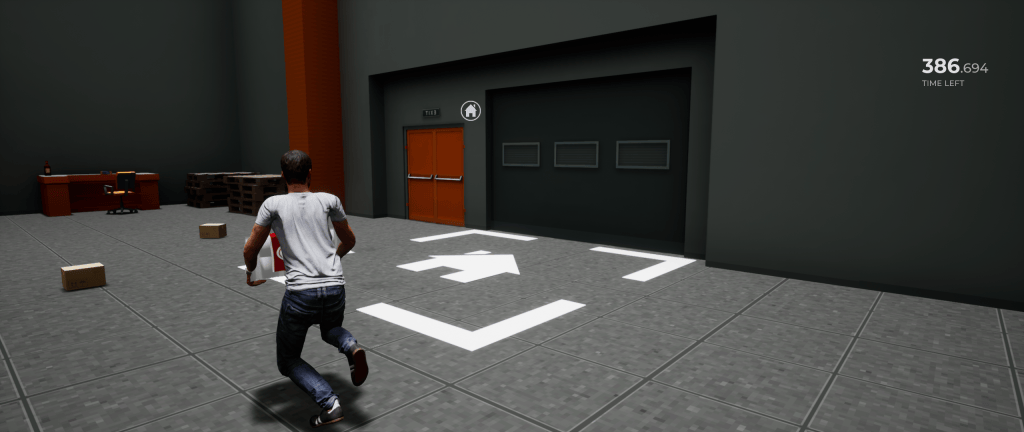
Area you’d bring your TP
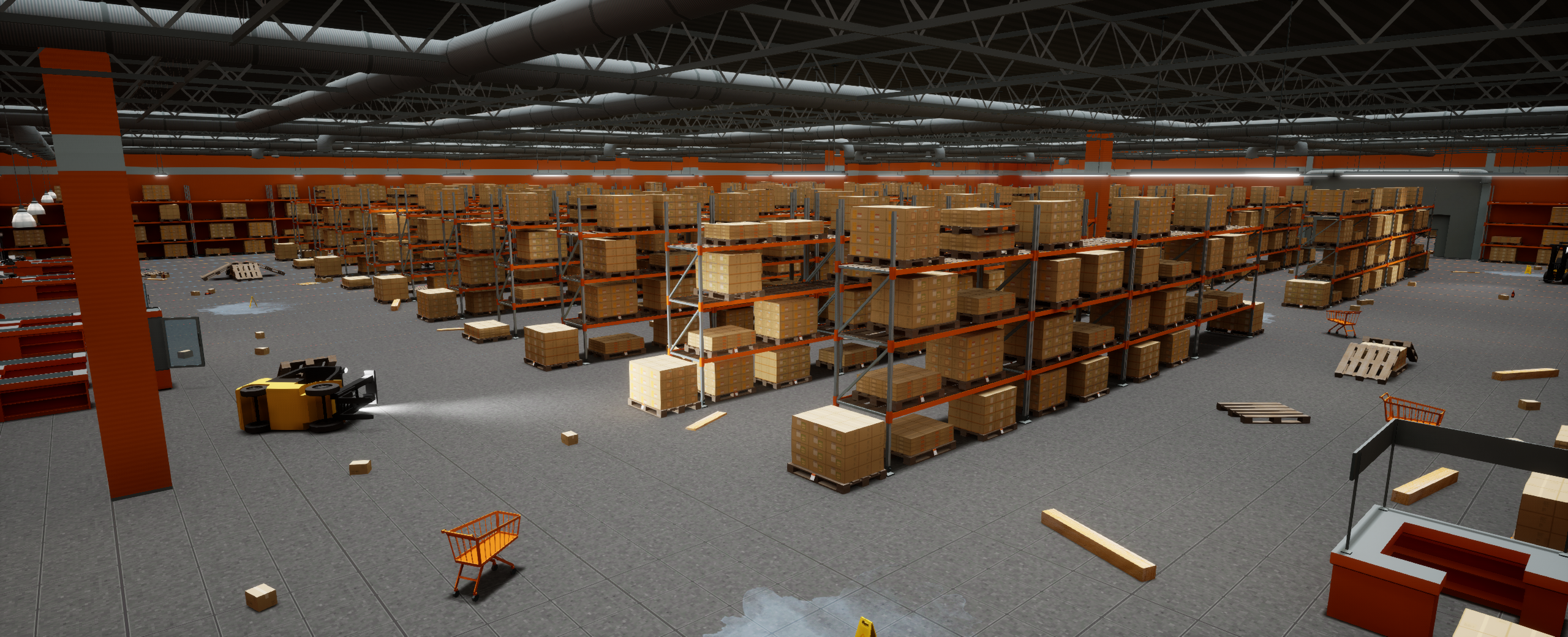
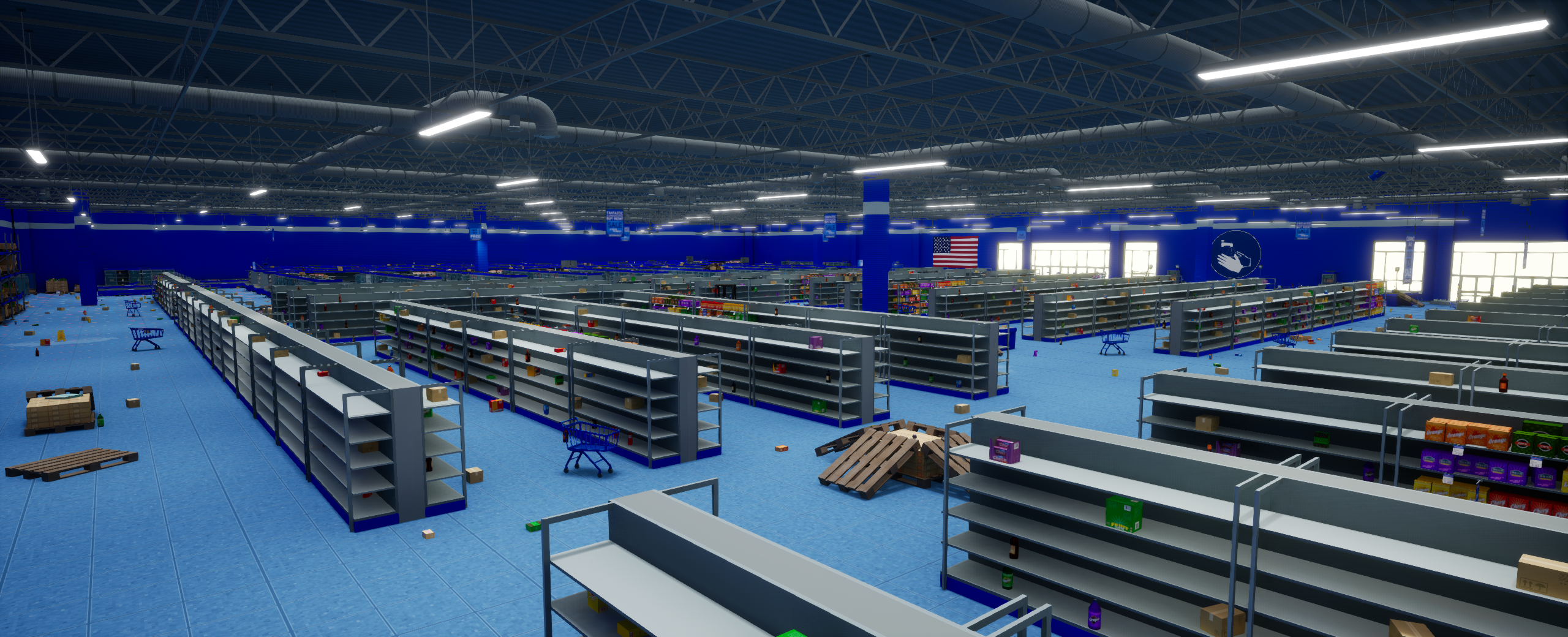
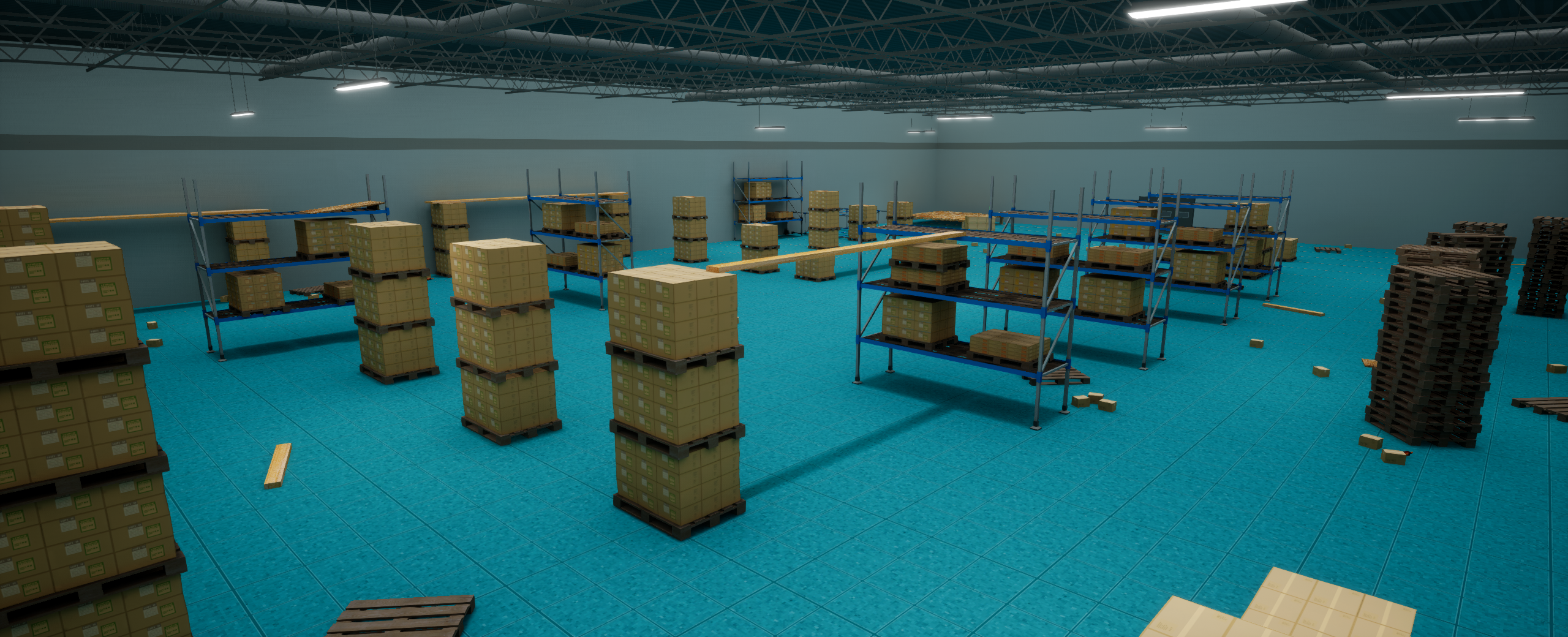
Design Philosophy & Skills Demonstrated
I design levels with the mindset that every space should serve a purpose — whether it’s guiding the player, reinforcing tone, or supporting mechanics — and that fun always comes first. This project demonstrates my approach to level design, with an emphasis on:
- Gameplay-first environment design
- Mechanics-driven layout decisions
- Clear player flow and spatial readability
- Iterative design driven by feedback
- Achieving a map that’s FUN to move thru
- Grayboxing and scale validation
- Content Management
Workflow
With some of the core mechanics and gameplay loop defined, I began structuring the world—planning Hazards, store layout, and player flow. Nothing was treated as final; each element was iterated on and adjusted based on how it performed in-game. I know iteration is one of the biggest factors in my workflow. Afterall, games really are a product of iteration! So early on, I was thinking about:
- Real-world references
- Planned Environmental Hazards
- Early Player Flow
- Mechanics
- Mood
Paper Mapping & Layout Planning
Rough Draft
This stage allows me to fail fast and iterate cheaply before moving into more time-intensive production. At this point, I usually have a rough idea of planned mechanics and the core gameplay loop, which makes this stage much more effective. Usually drawn on paper or with minimal detail in Photoshop. However, this project was a bit different as I was the only Level Designer so I wanted to prioritize in-game feedback So I only drew basic paper maps.
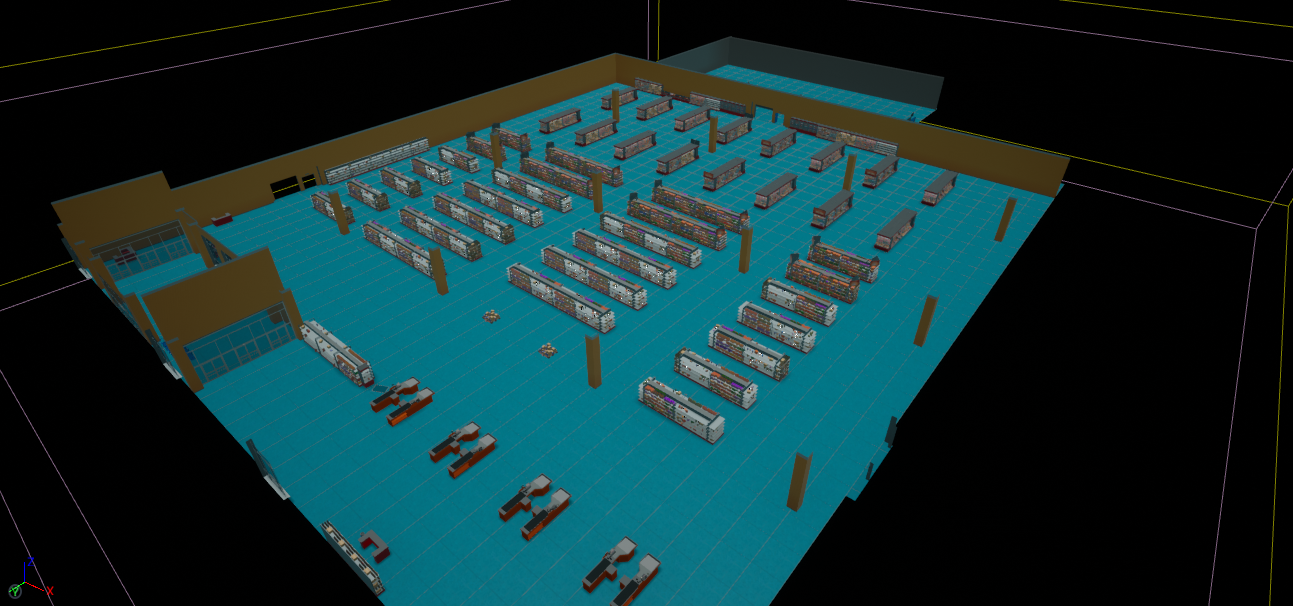
Paper Map v1
With this project I only drew some simplistic paper maps, mostly to help visualize the store layout and plan routes. After doing this, I went straight into the editor to start testing the concept. I relied more on “how it plays” with this project. It was also easier to communicate the map with the other developer by doing this. The simplistic simple map did focus on:
- Spatial relationships between areas
- TP (pickup) placement and pacing
- Navigation clarity and overall flow
- Environmental Hazards placement
- Identifying POIs and progression beats
This version acts as a blueprint for the level and directly informs the blockout phase. This game was crucial to feel fun before anything else. If it didn’t play well in 3D then the paper maps really wouldn’t mean much.
Blocking Out
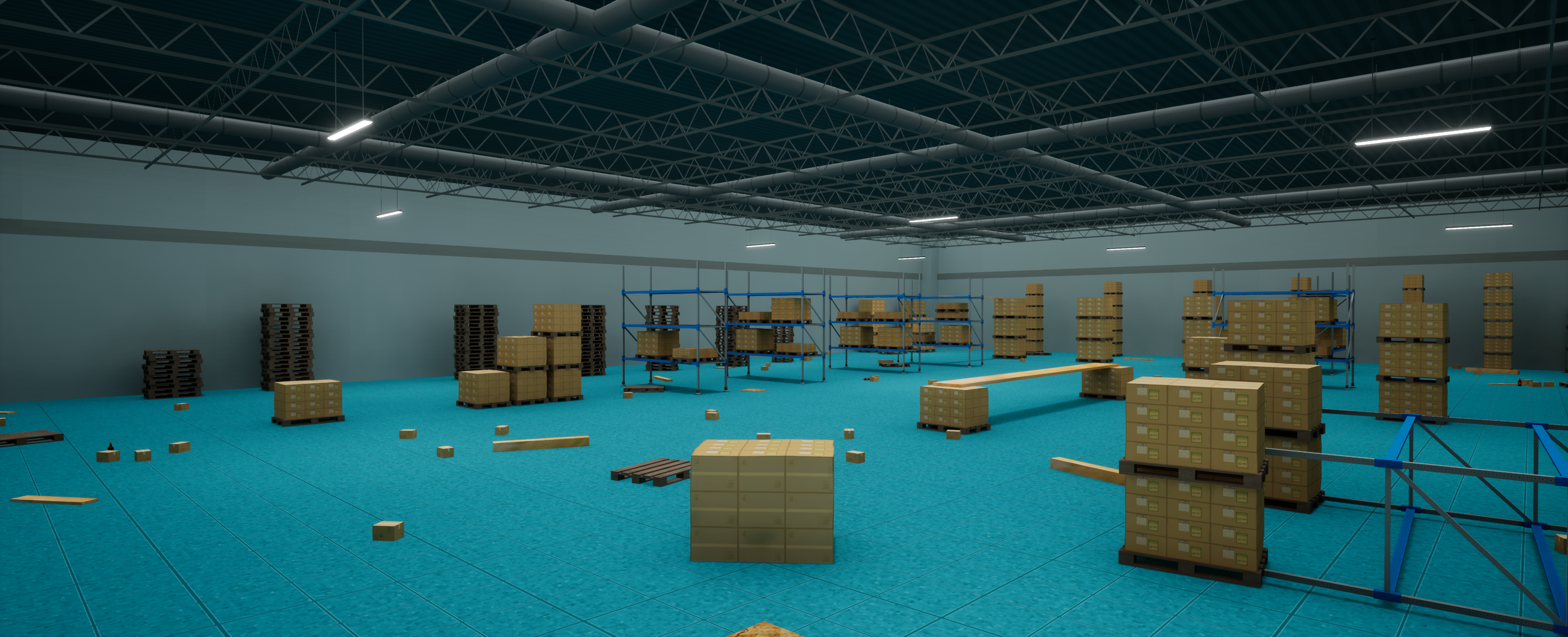
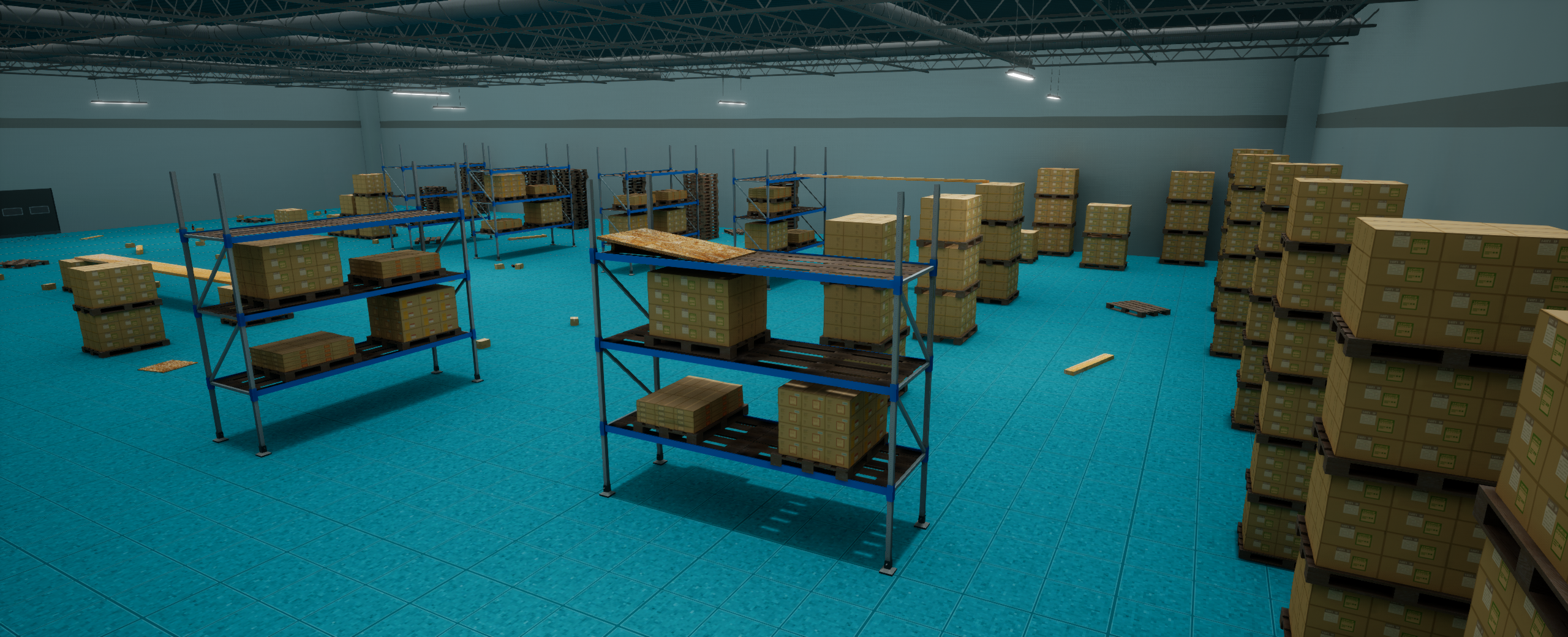
With the layout established, I move into the engine (in this case, Unreal Engine 4) to begin blocking out the level. This is one of — if not the — most important parts of my design process. Maps are great for organizing ideas, but you don’t truly know how something feels until you play it. For this project is was extra important to nail the layout in 3D so I jumped straight in to working on hazards, verticality, TP placement, etc. I wanted to make sure it felt FUN and like you were at playground. Gameplay needed to feel fast-paced and chaotic.
My focus during blockout is:
- Ensures the map felt “fun” and cohesive before anything else was implemented
- Easy readability and shared understanding
- A reliable reference throughout development
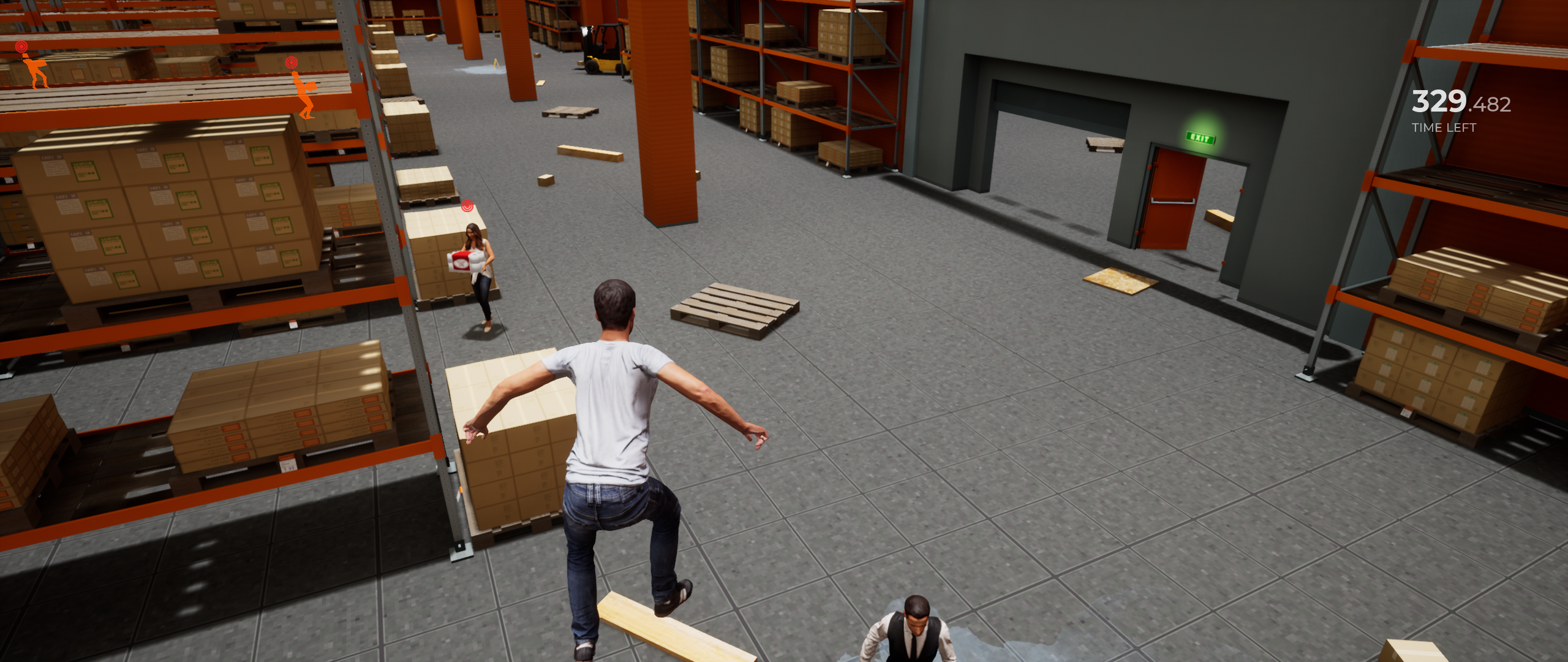
- Player scale and proportions
- Traversal flow and pacing
- Playground / Gym
I also made a little “Playground / Gym” to really get an understanding how the character movement would interact with certain objects. Mostly in relation to movement and the scale of things, i.e is this too high to jump? Will this break up the movement?
Mechanics-Driven Environment Design
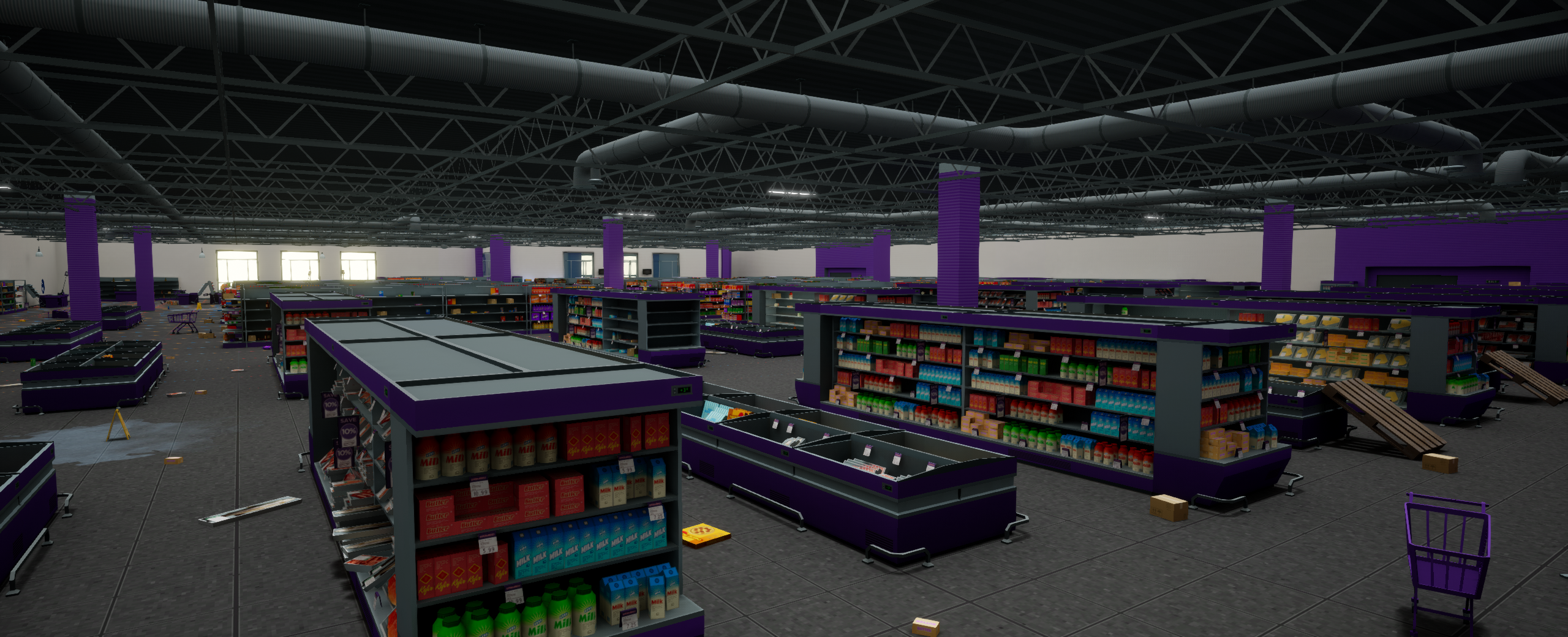
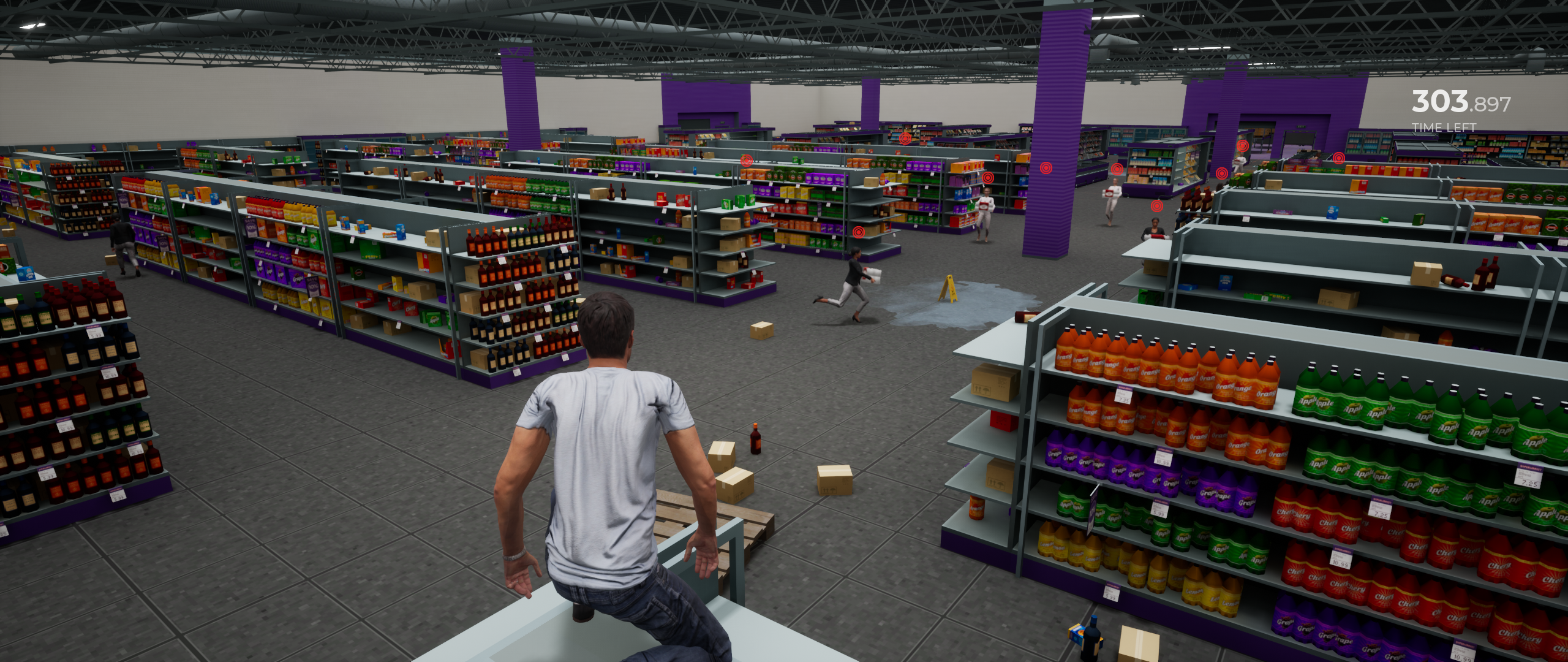
I wanted the game to feel chaotic and fast-paced; almost like you were at a playground. So I wanted to open the map up to more traversal options so I knew I’d have to intergrade the shelves and other stands into the movement. Adding much needed verticality while also maintaining a familiar store layout
- Introduce light platforming in an organic, believable way thru the use of store shelves
- Added much-needed verticality to the map
- Reinforce the “chaotic” nature of store
- Makes store feel more like a playground
- Used easily spotted “pois” to help steer the player towards the TP and the exit
When navigating the store, it was also important to give a clear sight to the TP and an easily identifiable “EXIT” i.e where you drop off your collected TP. So I usually relied on familar layout, lights, and large “idicators” to help guide the player. The shelves and added vertcality added thru the shevles also helped with this. By allowing players to “see more” of the store when on the top
Iteration & Feedback
After completing the initial blockout, I playtest the level and gather feedback from testers and team members. This step is crucial for nailing the layout before introducing the final art. It helps us iterate on:
- Gameplay mechanics
- Narrative needs
- Player abilities and movement
- Art needs
- Map tweaks
Because of this, I continuously refine the level to support the evolving needs of the game.
The number of iterations depends on scope and timeline, but my goal is always to deliver the best possible experience within production constraints — without ever losing sight of fun. For this project, we were able to nail the feel and layout pretty early which allowed me to experiment with other things.
Finalizing the Map(s)
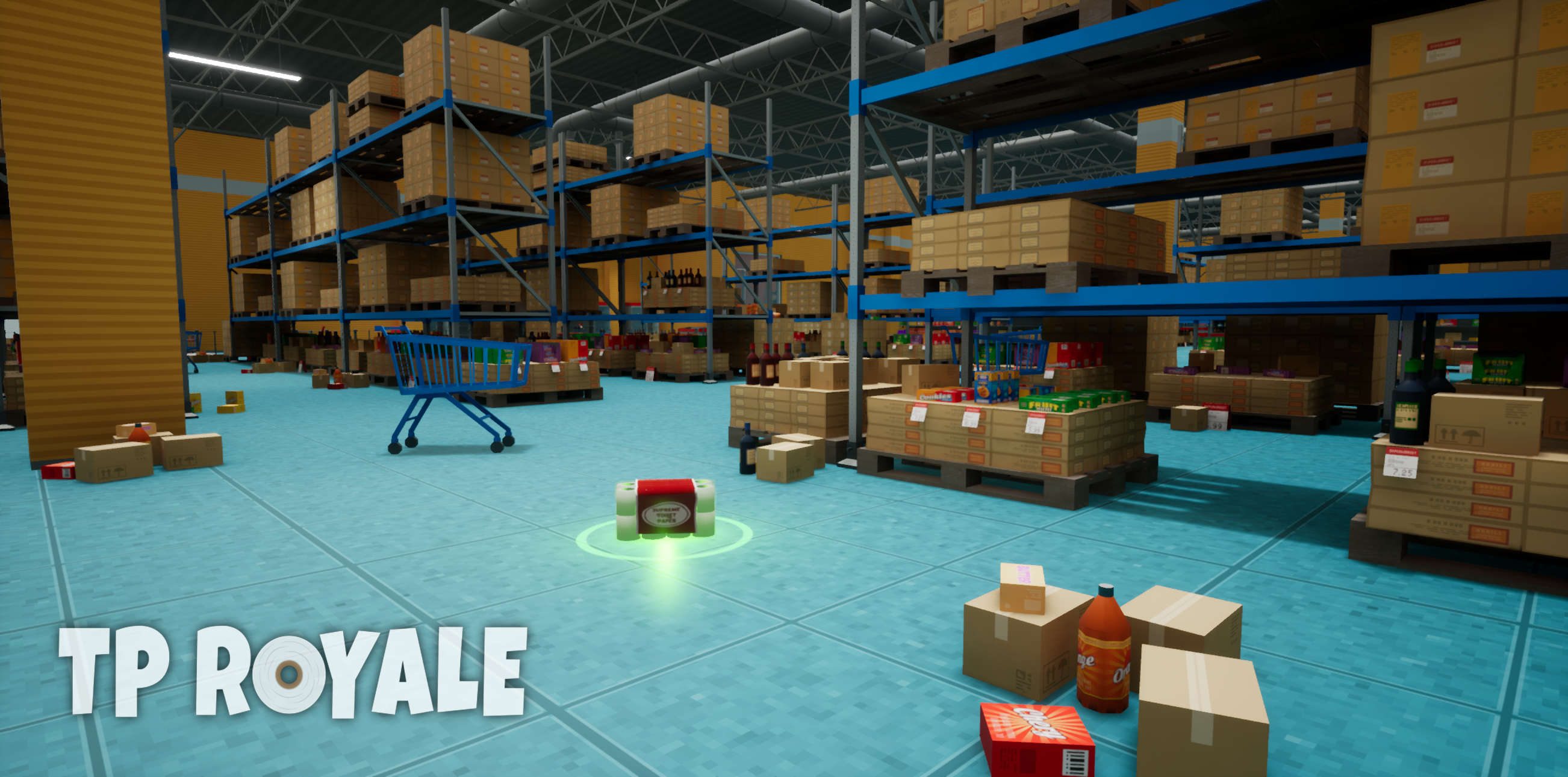
Once the layout has been refined through iteration, I move into finalization With this project, I decided to add additional props and other clutter to really help sell that “destroyed” look. This is time to really make it look pretty.
This included:
- Cleaning up or replacing geometry
- Ensuring flow and readability are clear
- Confirming the level supports gameplay, story, and player expectations
- Replacing placeholder textures
- Finalizing lighting, art, and layout — this is when the cake is fully baked
- Adding additional props, set dressing, clutter, etc.
- MAKING SURE IT’S PROPERLY OPTIMIZED
Extra Content:
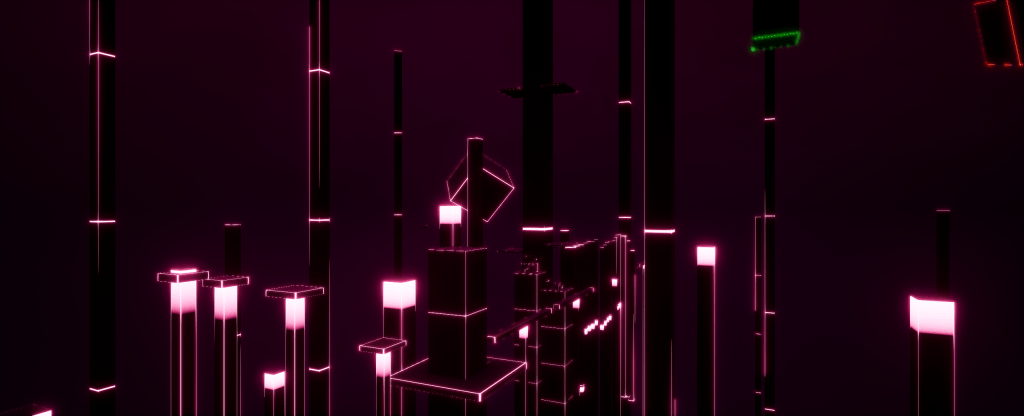
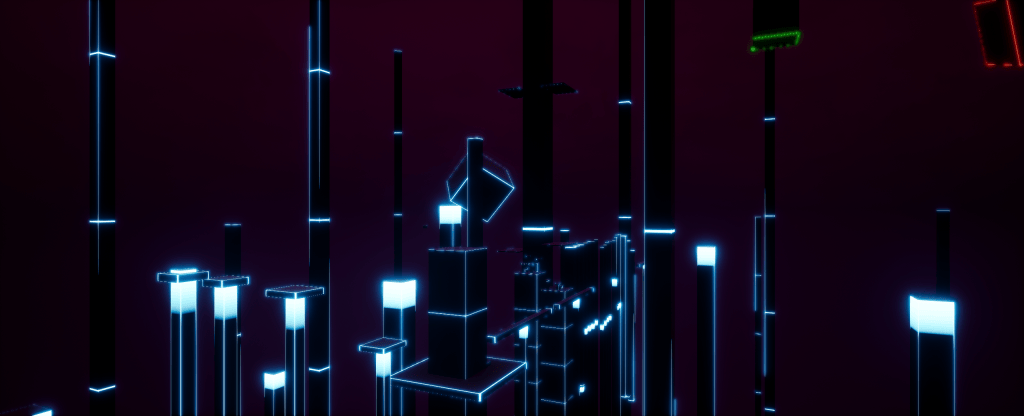
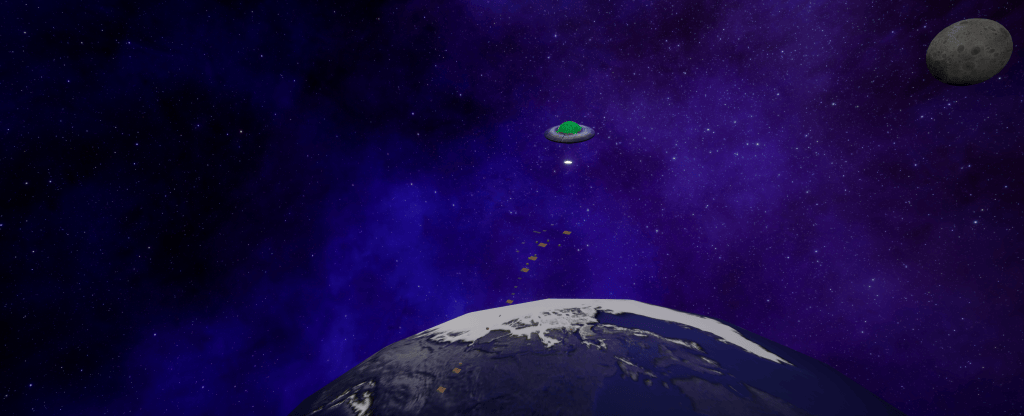
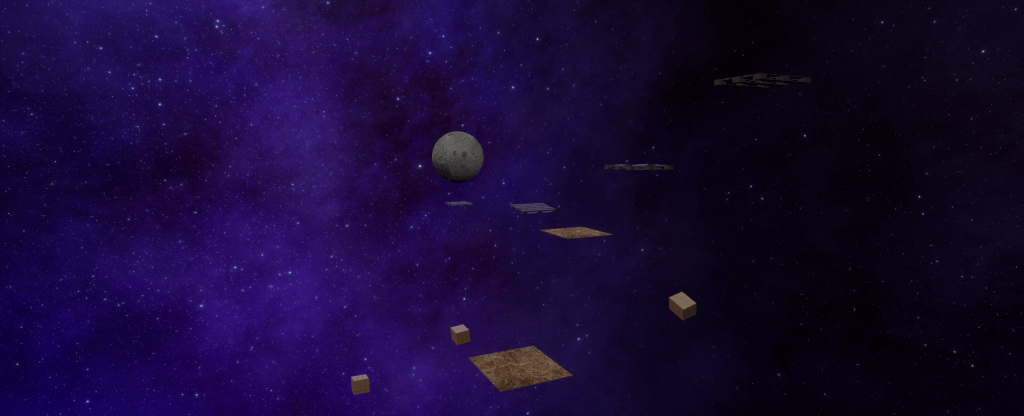
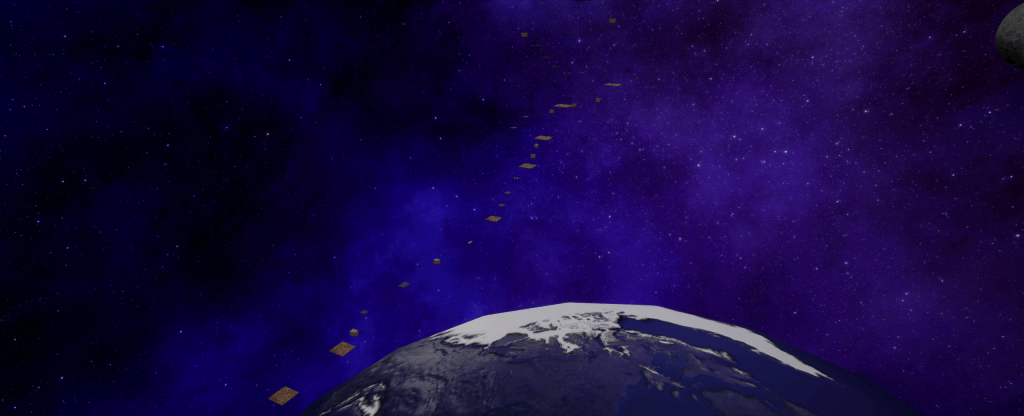
Clear, This project allowed me to begin experimenting with some extra content as well. We were using the ALSV4, which allowed me to create some additional game modes that focused solely on the “parkour” and platforming aspect of the game.
It timed players to see how fast they could complete the course / how many TP they could collect along the way. I wanted it to feel different from initial loop without feeling like an entirely different game. So I these extra maps were meant to feel silly and cool. Like they were meant to be that cool “bonus mode”.
I To achieve this I designed a handful of different mapst
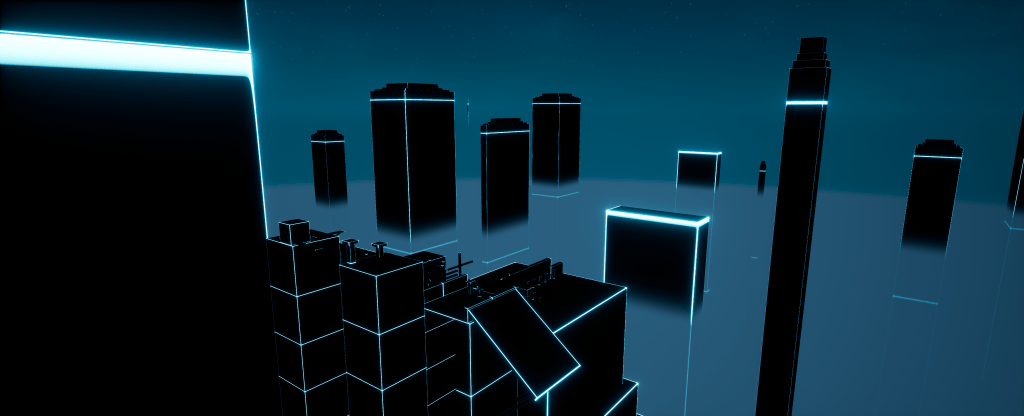
- Neon Cities
- Giant Store (you are tiny)
- Outer space
- Gym warehouse (gym was repurposed for this mode)
I was able to experiment a lot with these modes and really test the players ability. e.
It was around this time we were aiming to launch in Early access. So it was really cool to have been able to create some bonus content before that.
Updates:
As we were working towards releasing the game in version 1.0, we started planning which features would make it in before the others.
The Fourth of July Update
July 4, 2020
As July approached, we prepared for our first major Update. We decided to add a new weapon, new map improvements, and more.
- New Firework Launcher Gun
- Fireworks added to “Superstore USA” map
- Rework of Superstore USA
Official Launch:
October 31, 2020
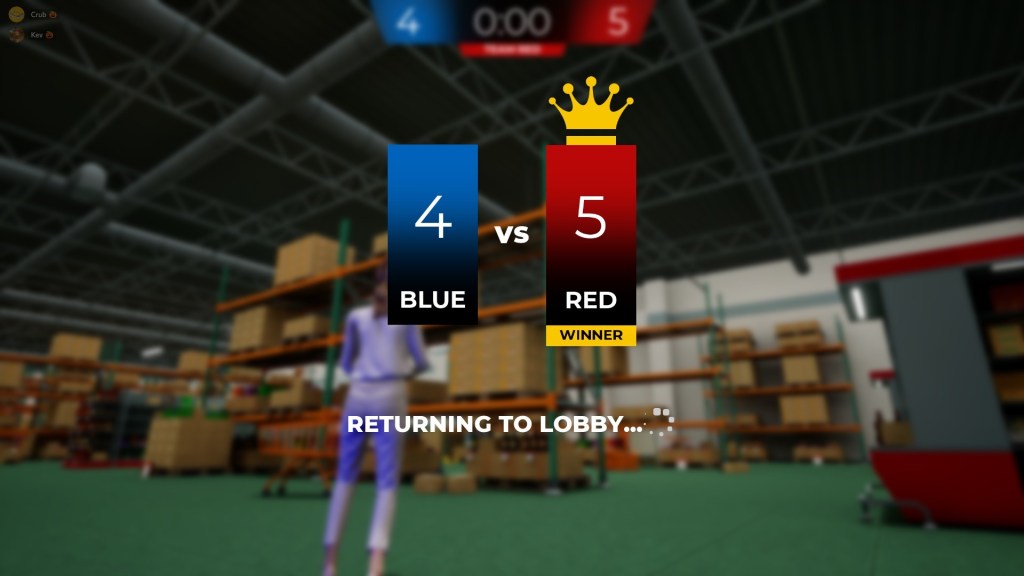
The Official Launch (1.0) was a big achievement for us! We had finally added Multiplayer which was a bigger challenge than we thought but it was fun all the same. With the release of Multiplayer we knew we’d have to add a little more so I worked on:
- A New “Multiplayer” Hub Map(American Shopping Mall)
- New gamemodes
- New Maps
- Touching up Older Maps
- Halloween Themed Content
- New Audio
Halloween 2020
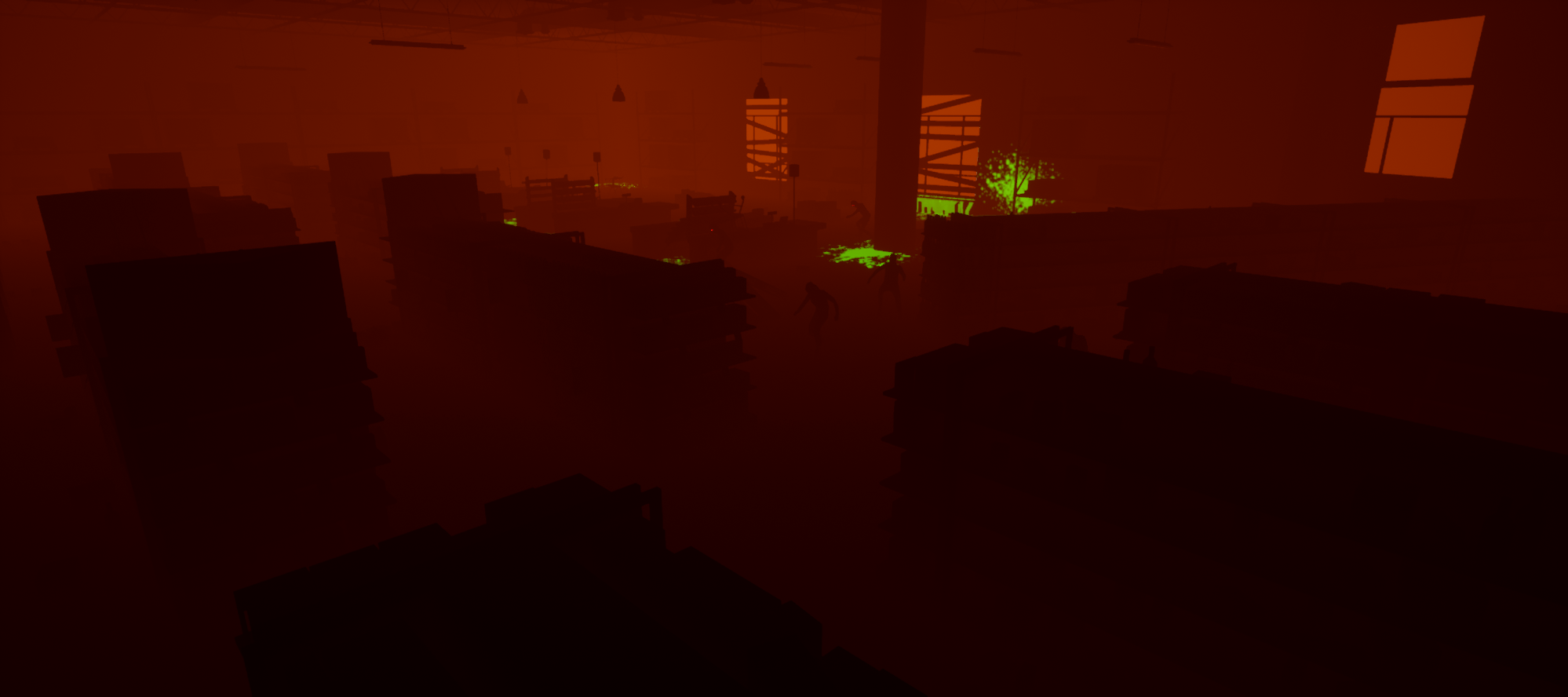
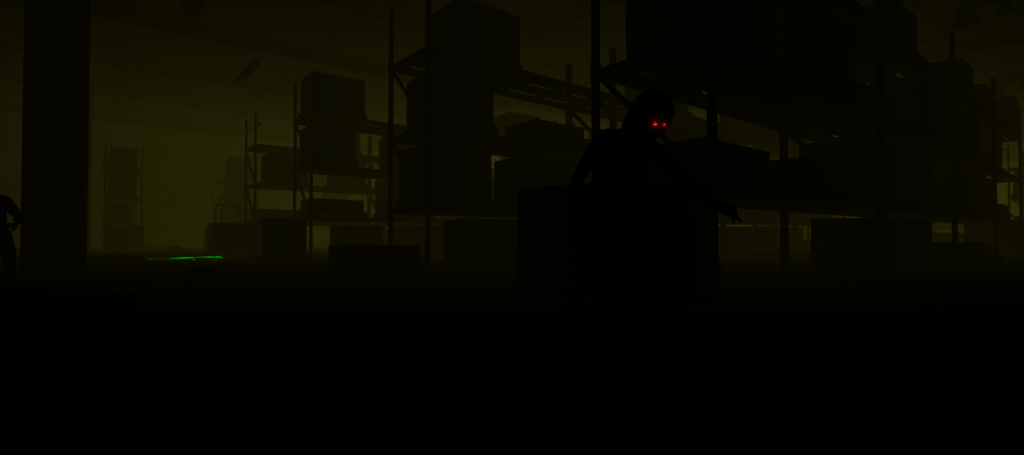
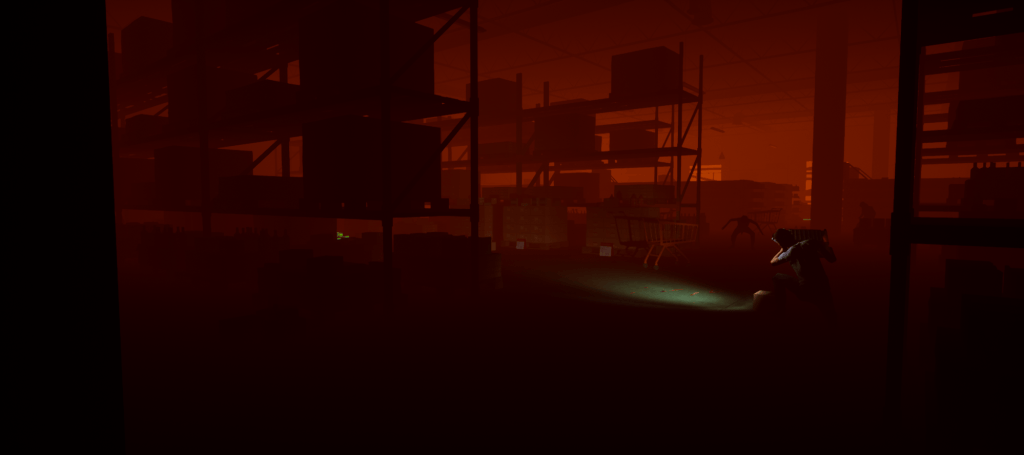
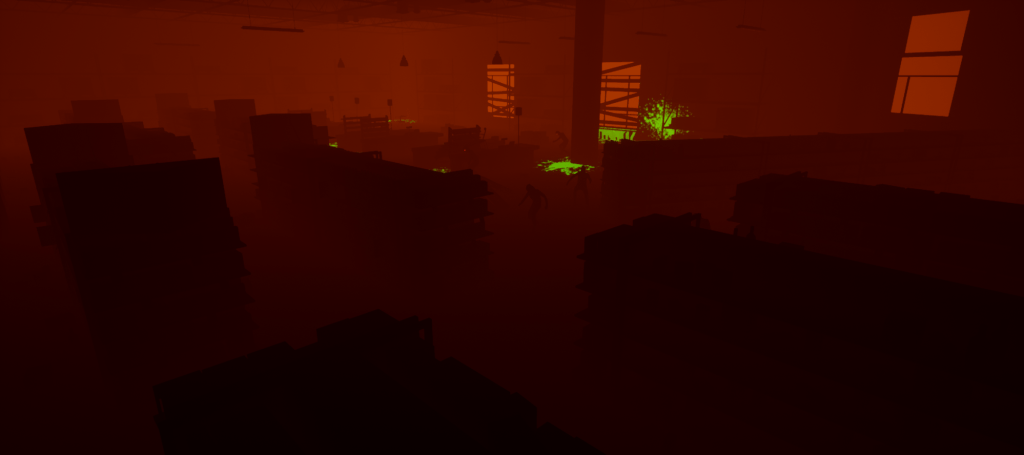
The 1.0 release just happened to lineup with one of if not my favorite holidays, Halloween! So I definitely wanted to add some Halloween Inspired spooky content. I wanted it to feel spooky while still supporting the newly added Multiplayer. I figured it would be the perfect time to make a new mode.
- Reused Old Maps & made them more spooky
- New 5G signals (part of new mode)
- New Decals (horror inspired)
- New Horror Audio (for the new Horror themed maps)
- Brand-new “Outbreak Town” Finale map for this new mode
- New Zombie AI (although I did not create the A.I, I was responsible for placement and encounters)
Audio
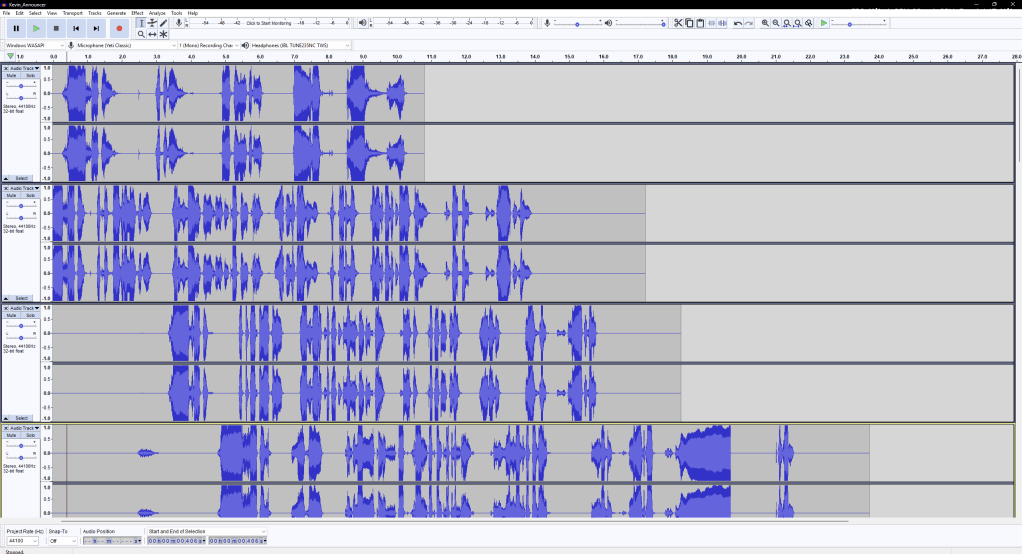
For this project I wanted to create some goofy “announcer” audio. Inspired by the intercom pages I’d frequently hear / have to make when working in these big store I thought it would be funny if I wrote / recorded some audio lines that would be used to capture the goofiness of these stores. y
- Wrote Announcer Lines
- Recorded / Edited Audio lines with Audacity
Final Thoughts:
This was a pretty fun project to work on, I learned a ton about the Unreal Engine 4 workflow, how to manage multiple maps, create new content while still marinating a realistic scope, and even making Multiplayer maps Although not some hit breakout game, it was really fun to work with my friend to create our first real steam published game. Looking back I’d definitely improve the layout of the store by adding specific sections that would each feature a unique mechanic based on the aisle / spill type, etc. But overall, I am happy with how it turned out!